Gallery

Explorations in AI and design.

Playful llama illustration Editorial illustration YOLO

Creative Explorations

Chat GPT AI Art Creative Systems Branding

Explorations in brand-forward, system-first design where constraints become creative leverage.

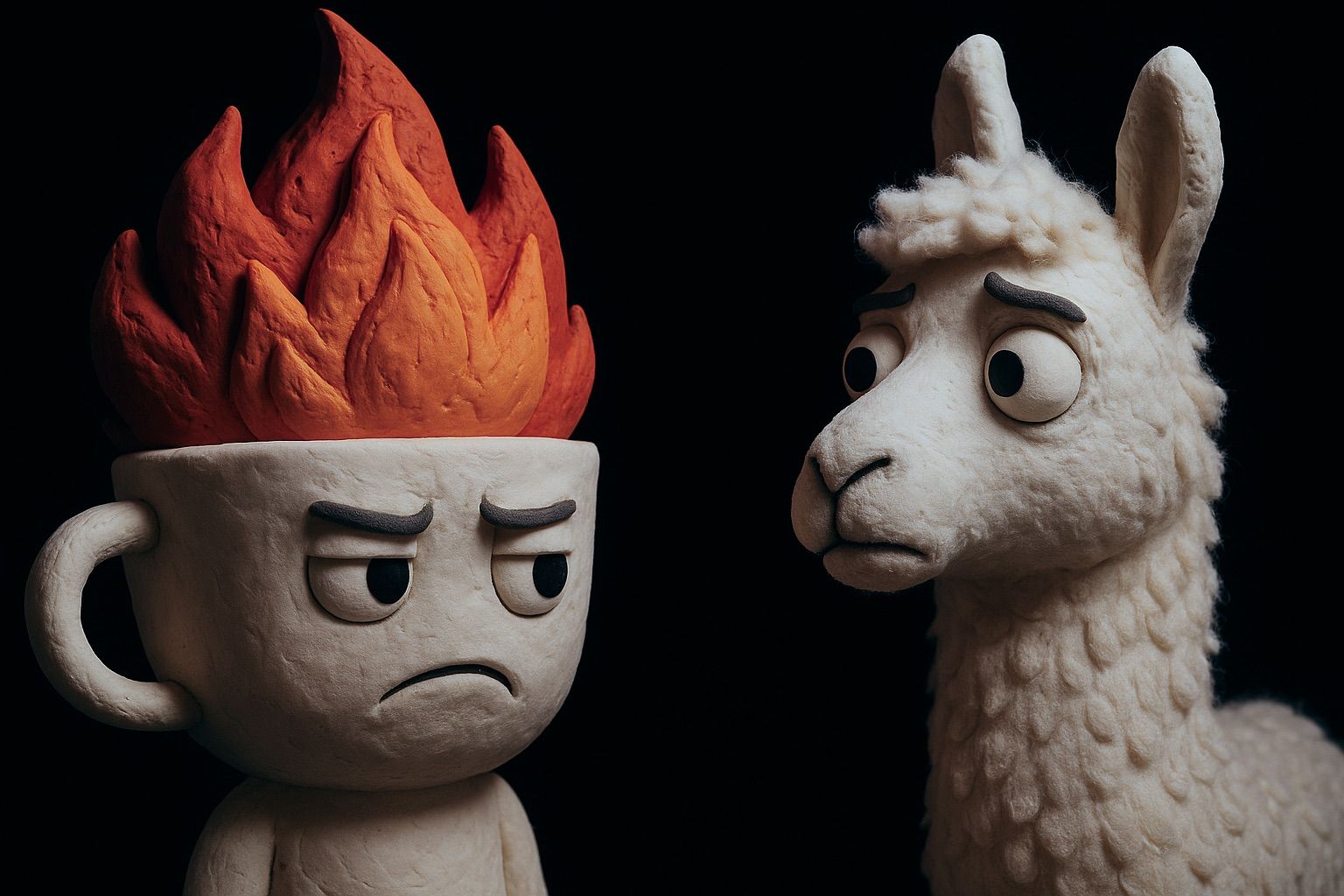
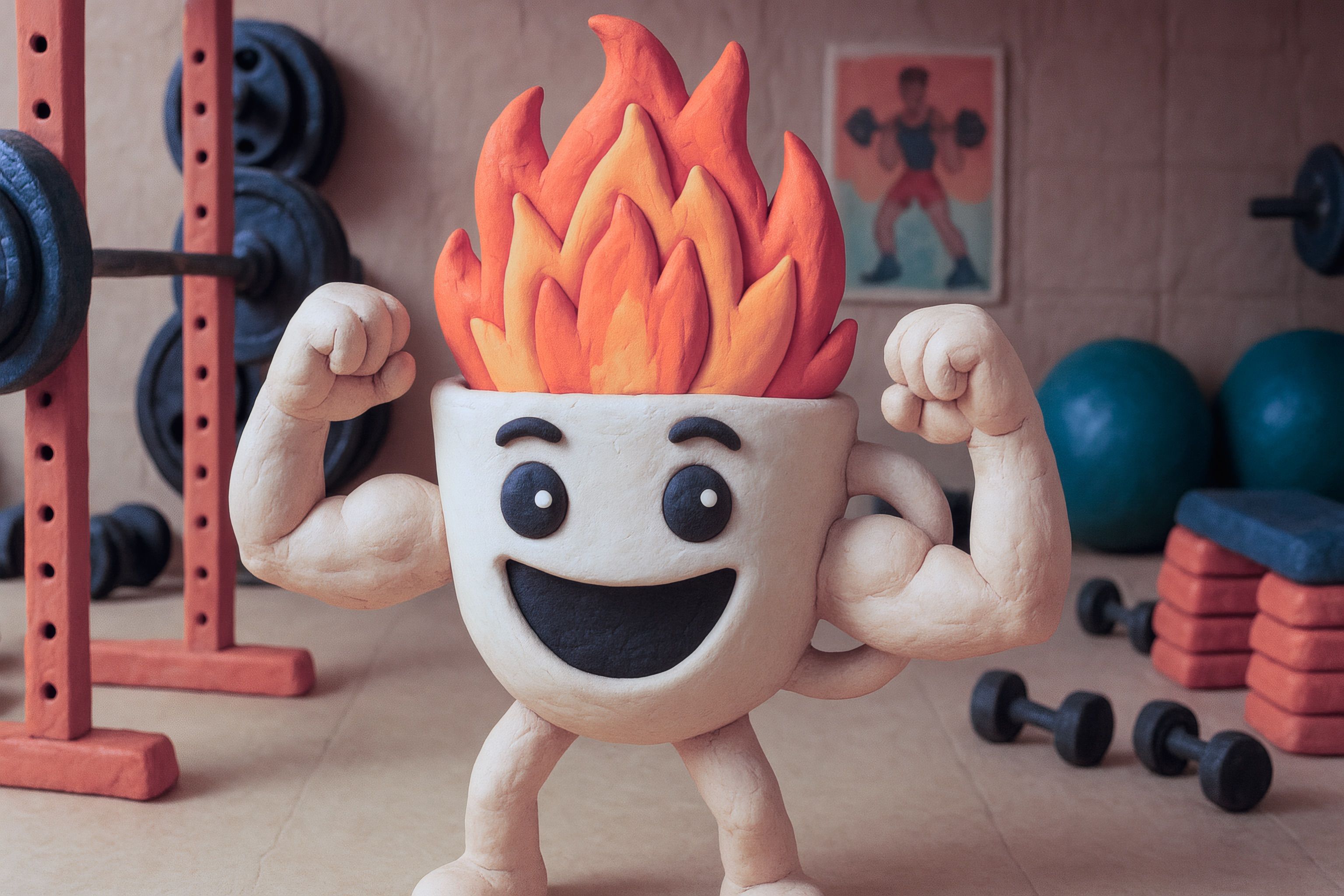
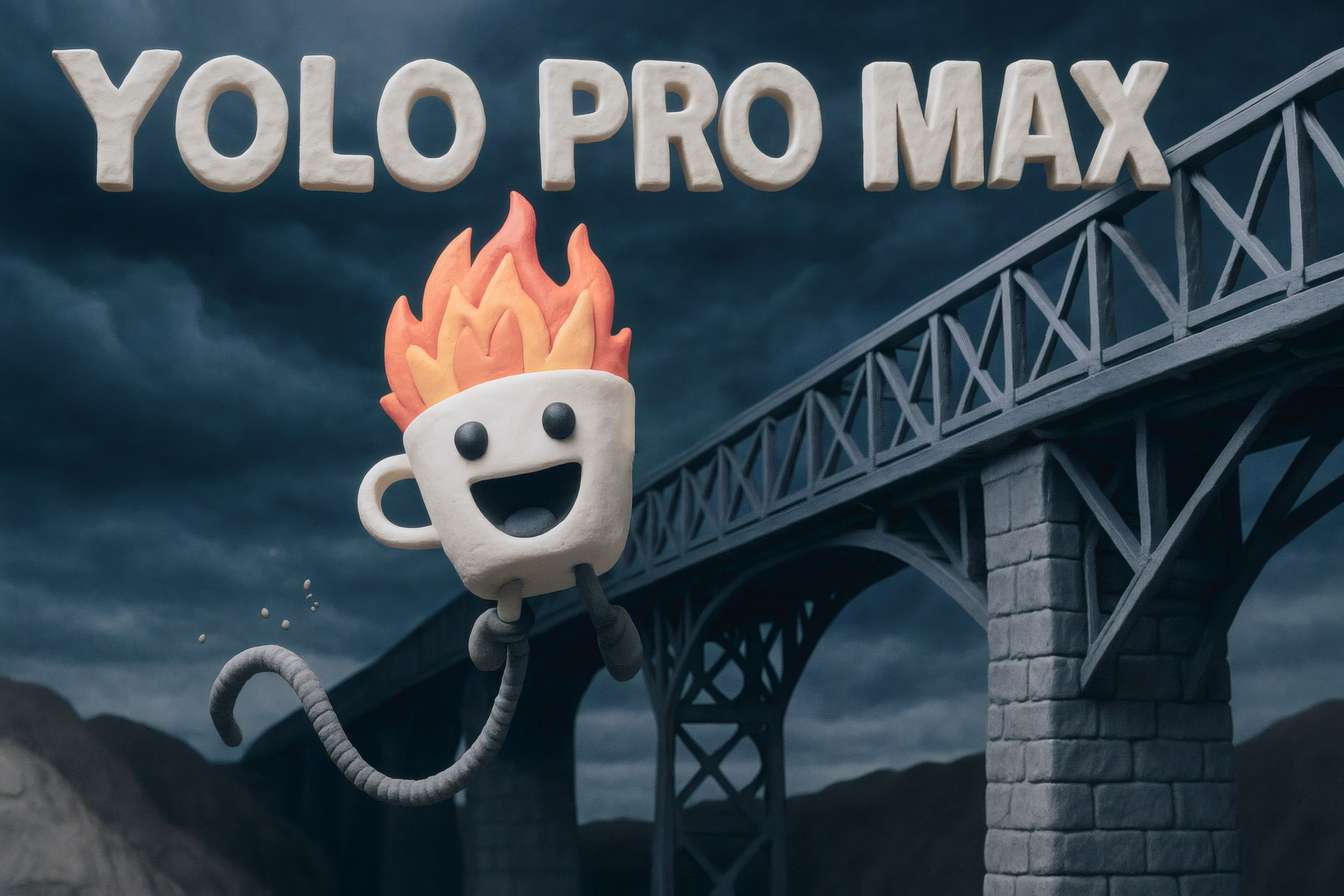
Coffee Hug Logo Based my new logo and rebrand on an old sketch. A flaming hot cop of coffee. Warm and conforting, but also full of energy and drive.
Now I can use it as reference for any image generation. Wether it’s for useful icons and graphics or for fun and playful illustrations for my articles.

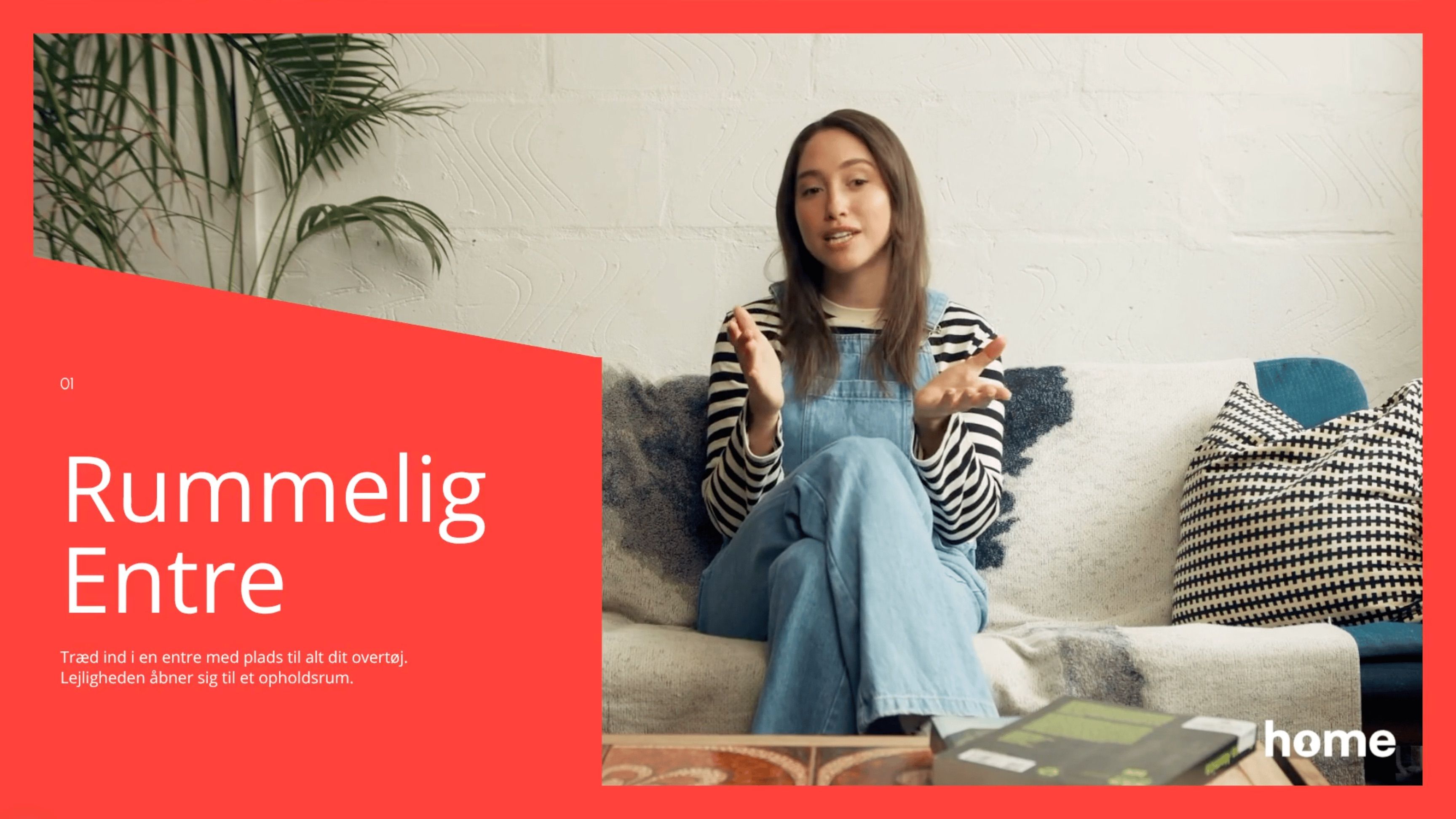
Synthesia Studio

Create content dynamically with Synthesia Studio

Synthesia Studio AI Dynamic Content Video Production

Use AI to reuse articles and create new content with Synthesia Studio.

Watch the video

Using Synthesias powerful AI video creation tool, we can add any context, ranging from web articles to product descriptions and PDFs.

This allows us to create a video that is tailored to the specific product or service, a specific audience or a specific message.

Videos in Synthesia Studio can be concurrently translated to multiple languages, and can be used in a variety of channels, including social media, email, and websites.

In this case I took a simple article for a sales ad for an apartment, used a few prompts to add context and then let Synthesia Studio create a video. I only added a logo, some colors and changed a few images.

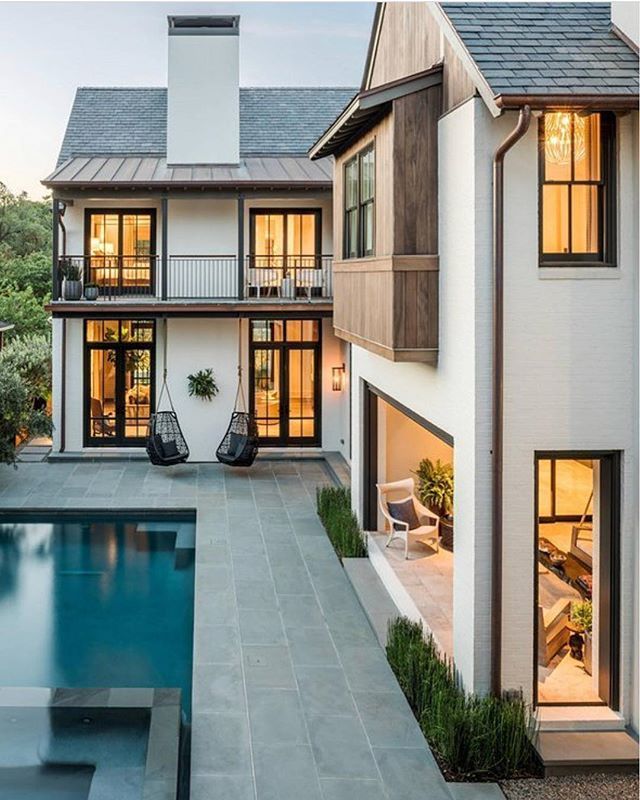
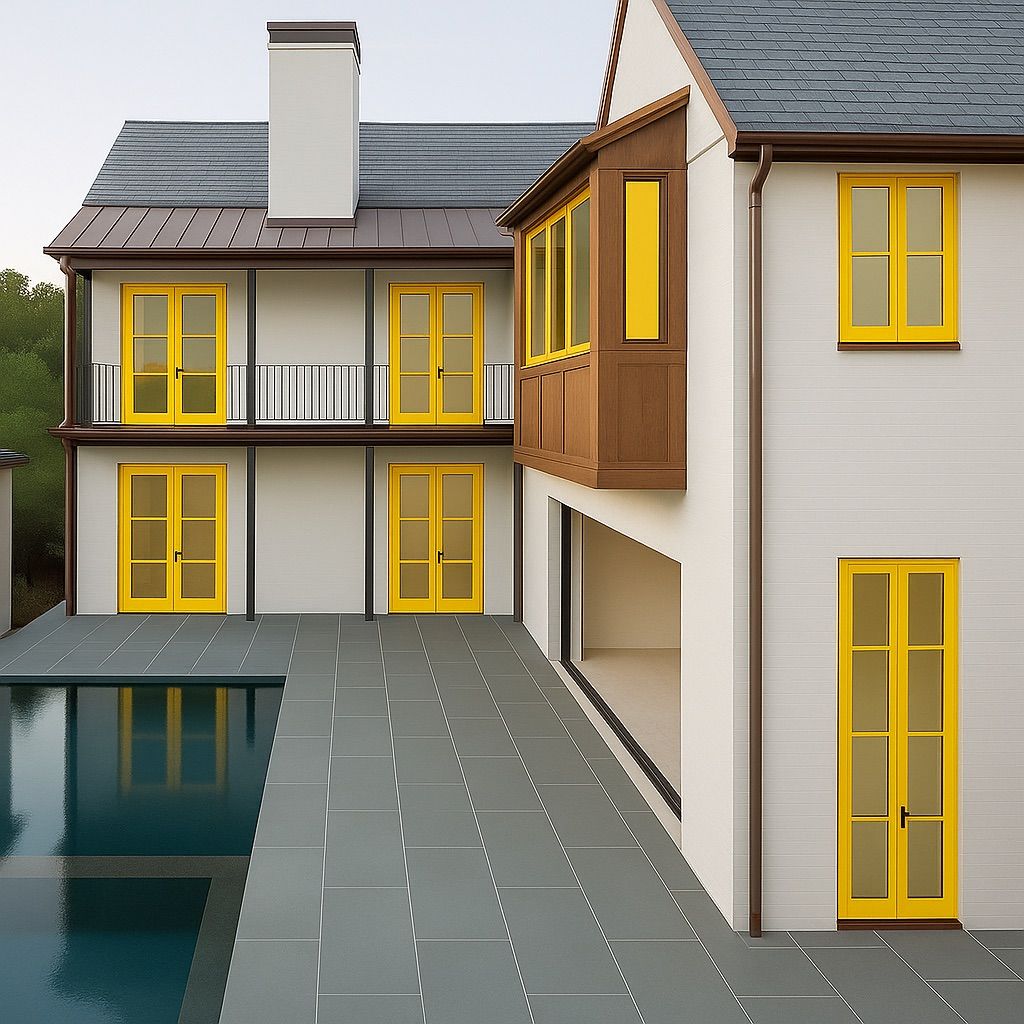
Source Image Generated Preview

Window Replacement Preview

ComfyUI Vision Models Language Models Image Generation

Use client provided image to generate a preview of the window replacement.

Using vision models, language models and image generation models, I’ve created a workflow that consistently creates clean and professional previews of window replacement projects.

It takes cleans up the image, removing any distractions from the image. Then using special prompts and language models, it generates a prompt for the image model to use. This can be anything from styles, materials, accessories and particular colors.

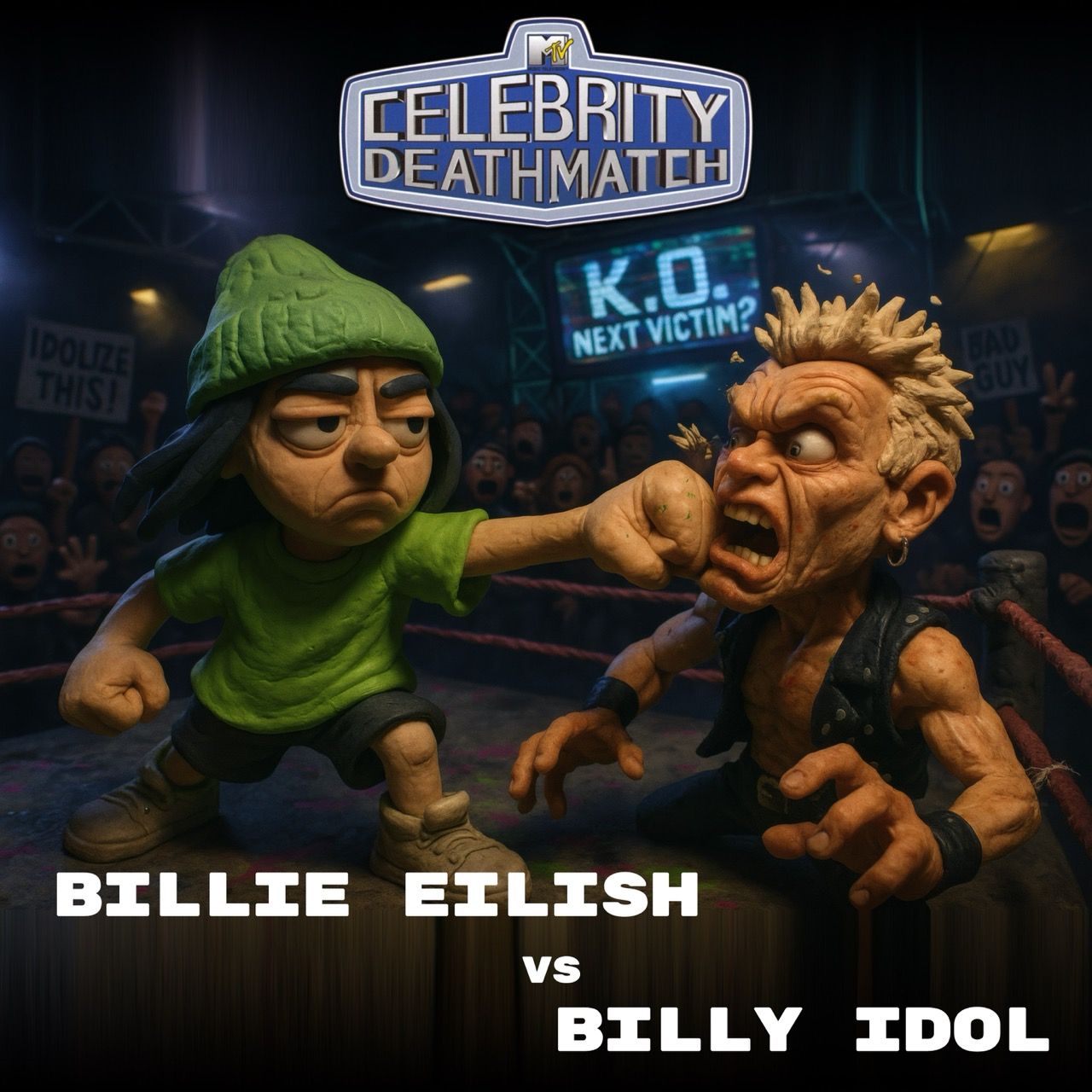
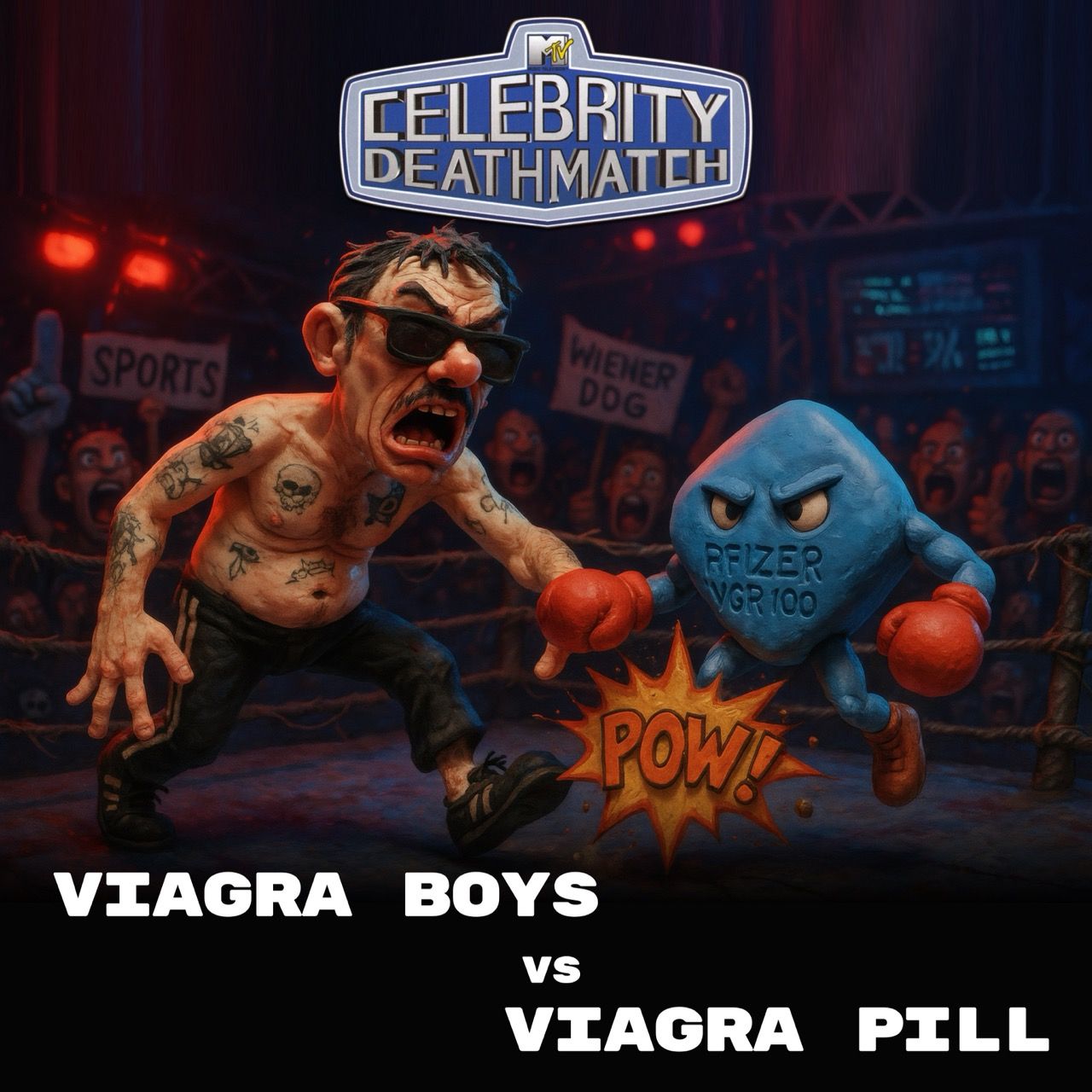
Billie Eilish vs Billy Idol Jim Carrey vs Danny Carey Viagra Boys vs Viagra Pill

Celebrity Deathmatch

Pixelmator TV Show Consistent Style Design Constraints

Using AI to generate a consistent style for a TV show.

One of my favorite shows is the 1990s show “Celebrity Deathmatch”. When OpenAIs Image-1 model came out I whent on quest to test if I could generate a similar style. Although with varied levels of detail and style, the results were incredible.

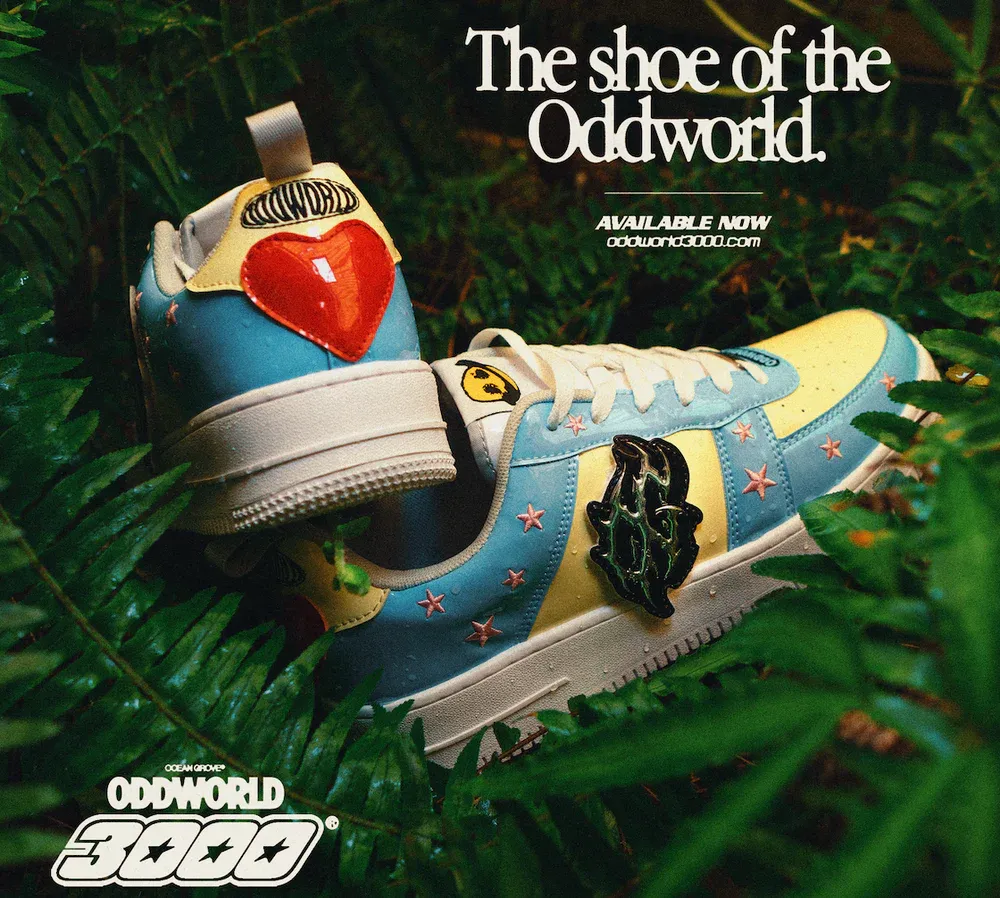
Oddworld 3000 Oddworld 3000 Oddworld 3000

Oddworld 3000

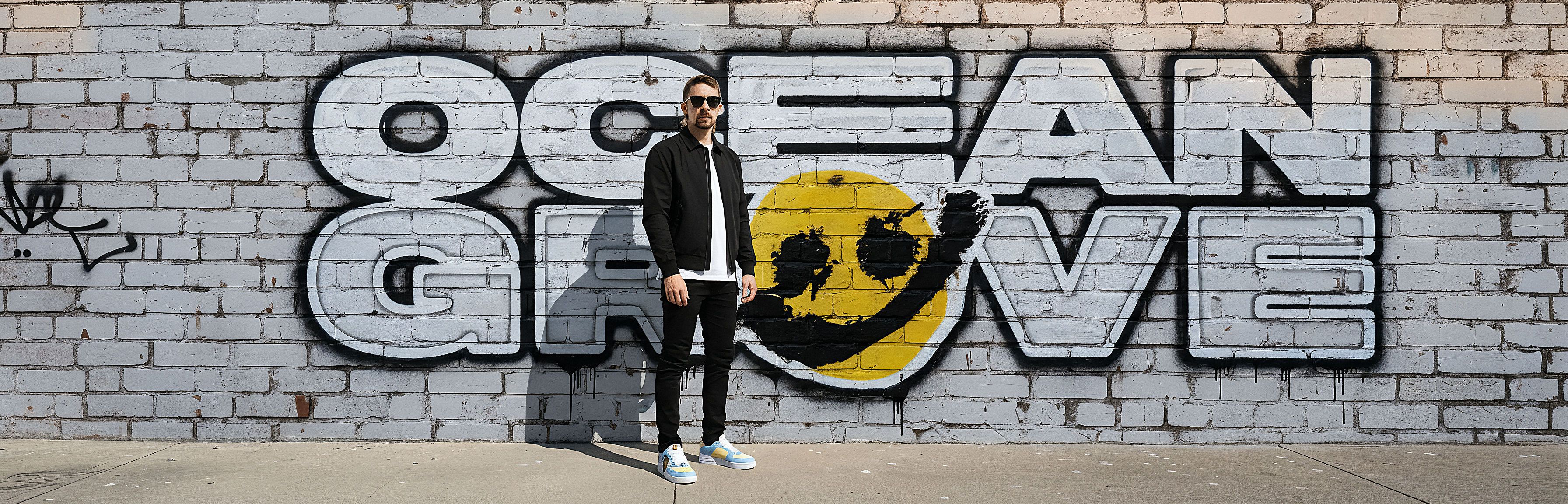
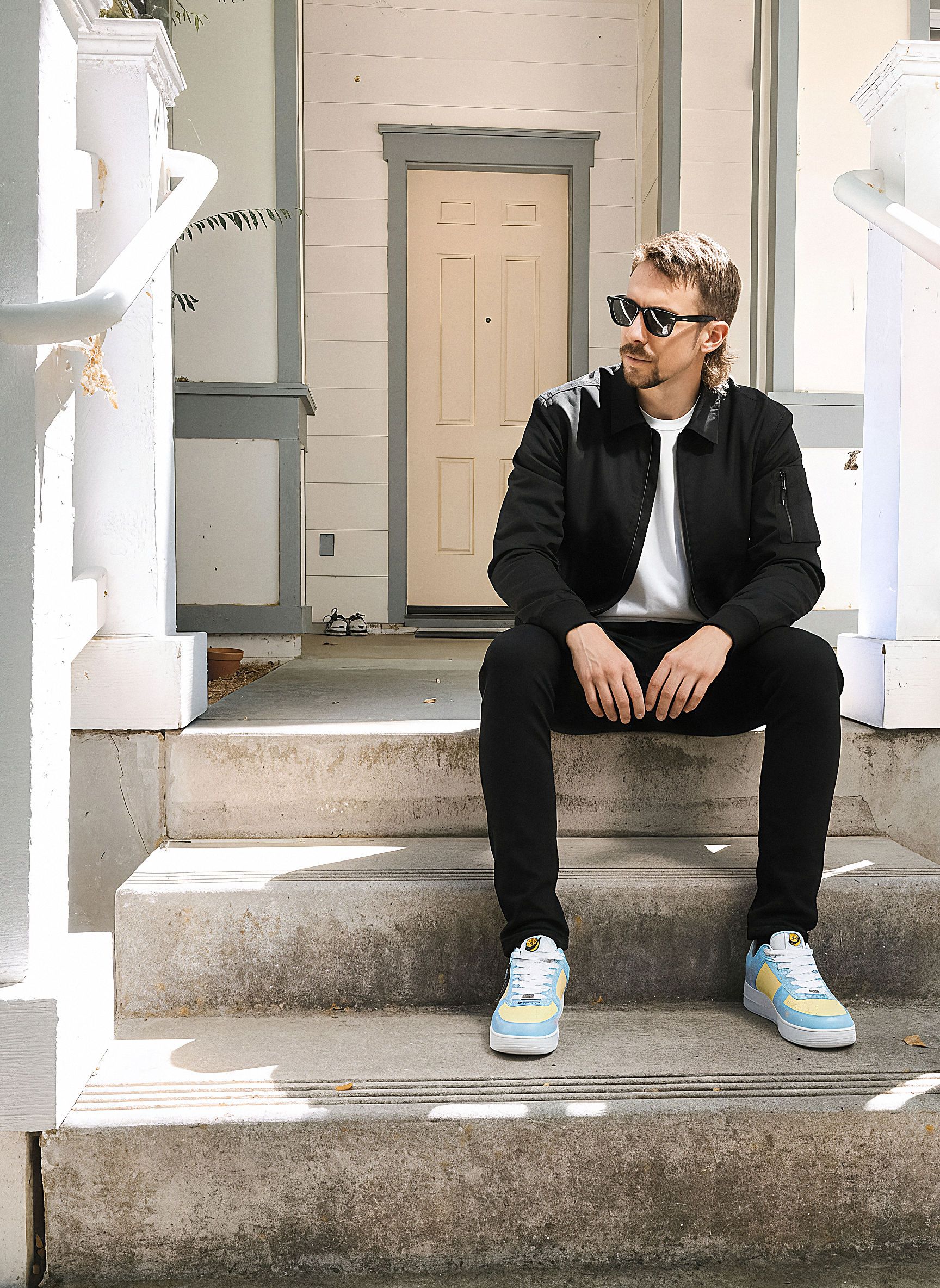
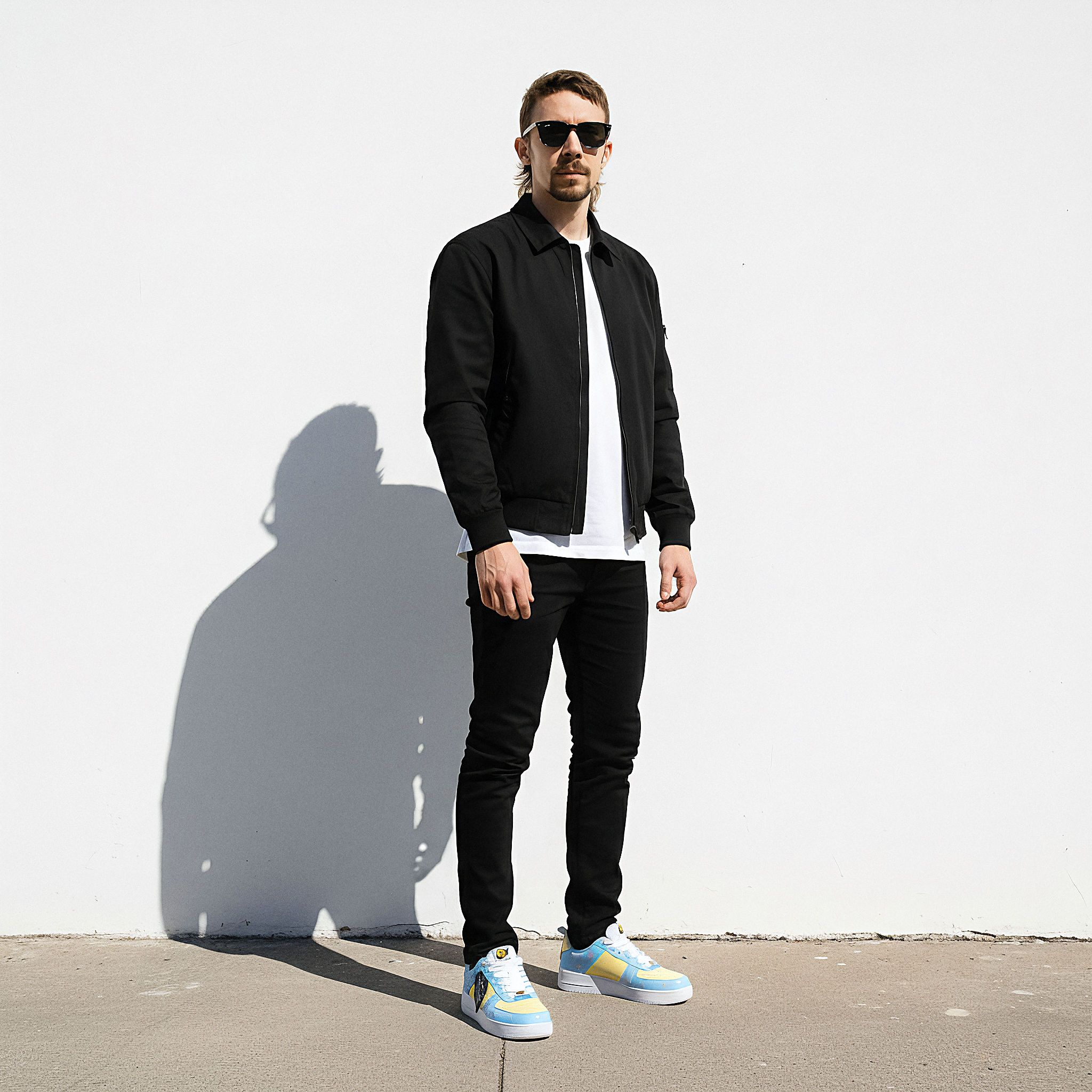
ComfyUI Prompt Engineering Production Photography consistent character

Ocean Grove Sneaker

Personalisation within production photography is never been more accessible. Try new clothes, new styles, new colors and new sneakers, with ease.

Oddworld 3000

The Local Revolution cover artwork Playful llama illustration

Material Transfer

ComfyUI Prompt Engineering Material Design 3D Rendering

Leverage structured data for precise control.

Using a JSON formatted prompt, can be a game changer in achieving very specific results. Some times even better than using a 3D model.

Ask anyone to render specific materials can be very taxing, in modern laptops. Here you can have a prompt with all the necessary values and variable a real 3D model would have. But now we will use image generation to simulate the material based on this logo.

Saving me 3 whole steps. Modeling, adding materials and and lighting. Still renders, but much faster. This can be applied as a creative tool for graphic design, but also for products and material exploration.

Prompt:
“Generate an image of my logo based on this 3D material on a transparent background:”

{
  "style": "Hyper-realistic 3D Render",
  "material": "frosted transparent crystal",
  "color_palette": ["soft white", "rainbow light spectrum", "holographic highlights"],
  "background": "Transparent alpha channel",
  "object_properties": {
    "finish": "smooth matte with glossy edges",
    "lighting": "strong directional spotlight from multiple angles to create prism effects",
    "transparency": "70%",
    "surface_details": "sharp cuts and beveled edges with internal light scattering"
  },
  "shapes": ["mechanical nut", "technical forms", "geometric objects"],
  "camera_angle": "macro close-up, slightly tilted for dramatic depth",
  "resolution": "ultra-high, 8K preferred",
  "shadows": "soft and colorful diffusion",
  "details": {
    "reflections": true,
    "refraction": true,
    "prismatic dispersion": true,
    "subsurface scattering": true
  }
}